
Know where your money really goes.
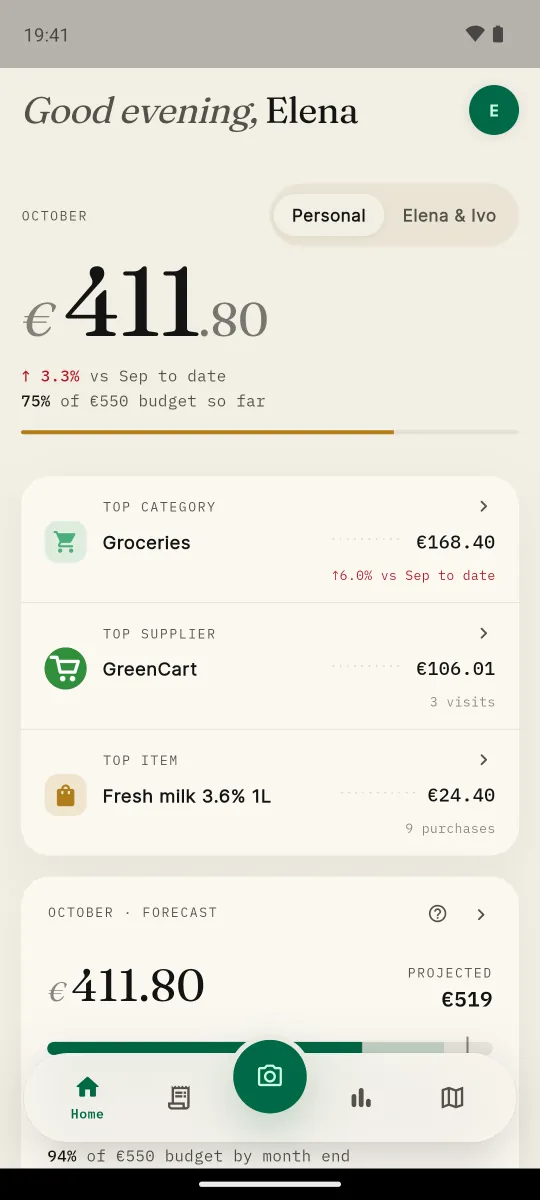
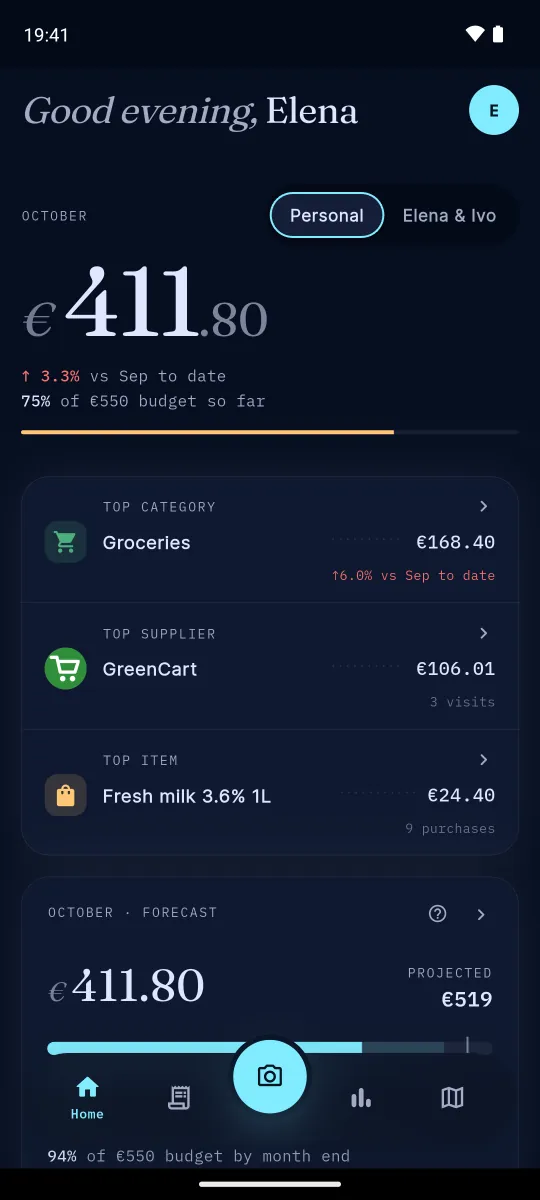
HouseTally reads every receipt you scan and sorts each line into a category for you. Share the view with your household, and see how prices compare across shops.

 Coming soon
Android · English & Български
Sample prices
See where the money goes, by category.
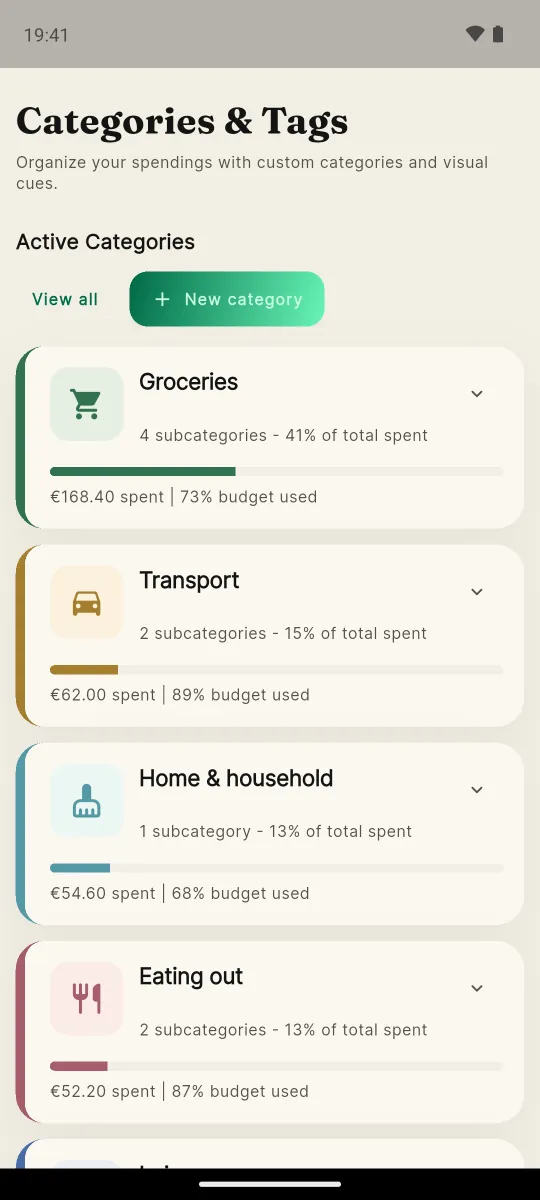
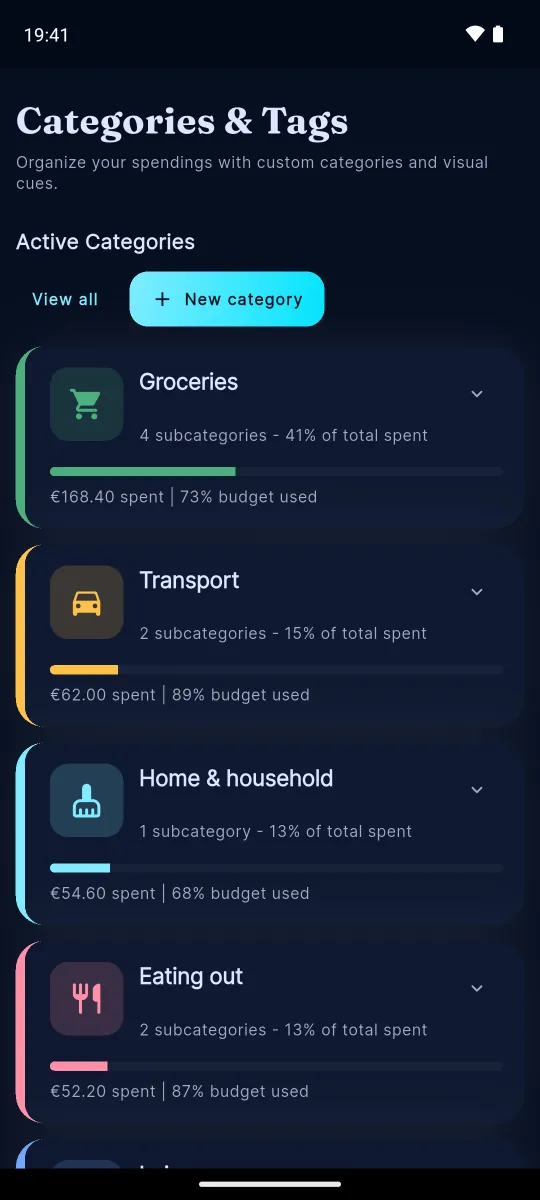
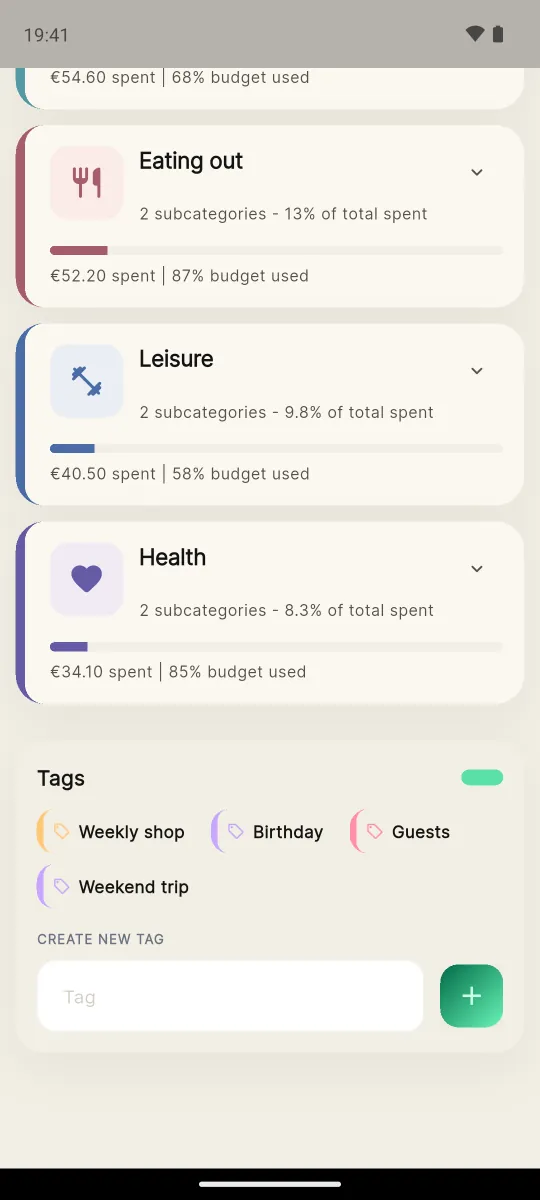
HouseTally puts every receipt line into a colour-coded category. Make your own, with more than 250 icons to choose from, and set a budget for each.
- Colour-coded categories. Each line is categorised for you. Add your own and pick from more than 250 icons.
- A budget for each. Set a monthly budget per category and see how much is left.
- Tags for everything else. Add free-form tags like “weekly shop” or “birthday”, then browse and search by them.

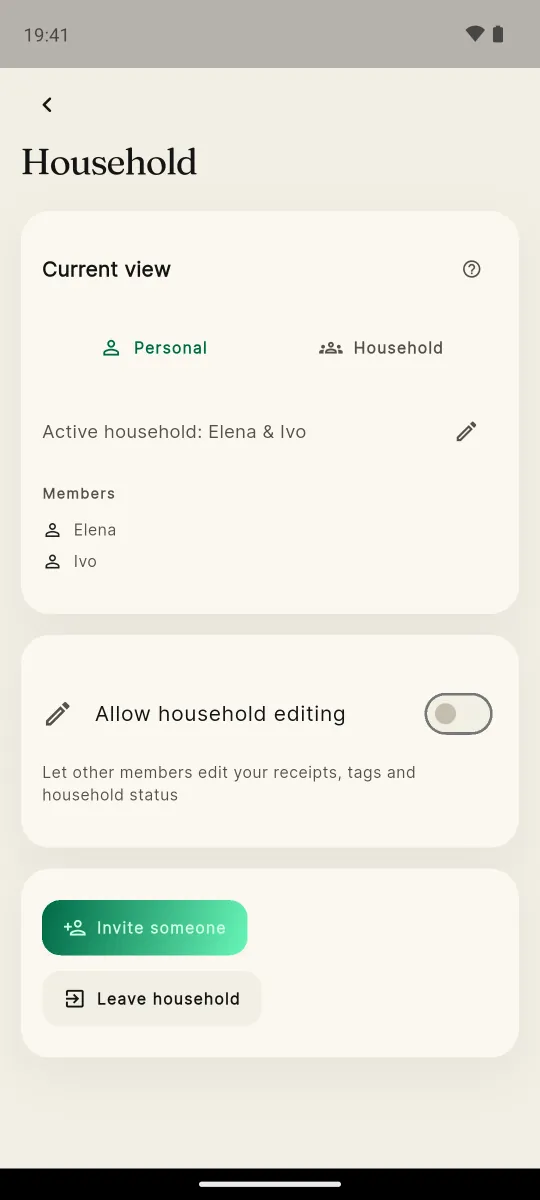
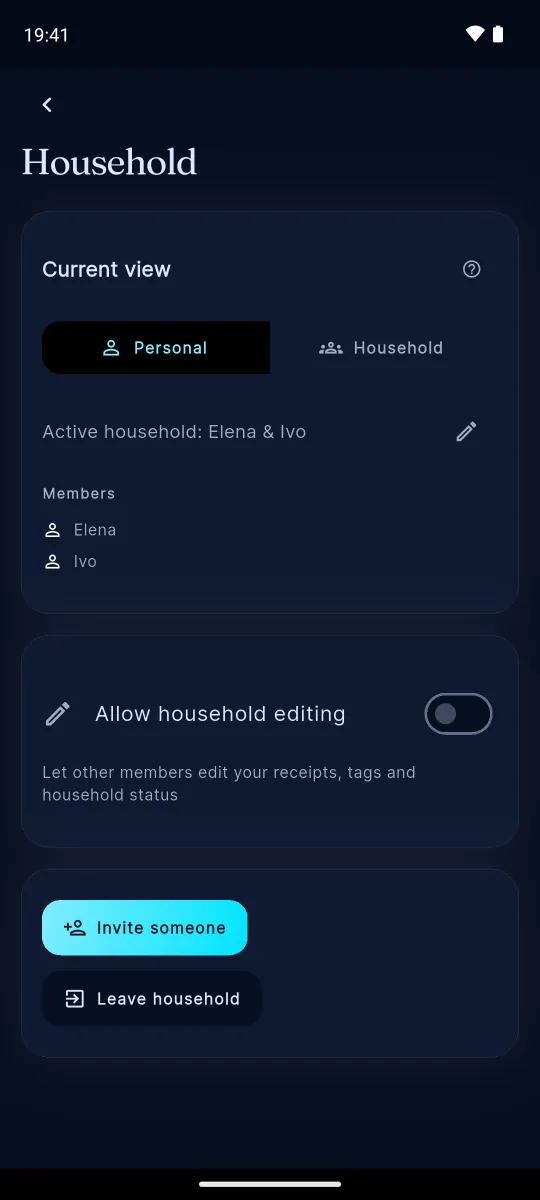
Share it with your household.
Create a household and invite your partner or family with a code. Scan with Home switched to your household and the receipt is shared straight away; scan on Personal and it stays yours until you share it. One tap on any receipt changes it, and the same switch shows your joint spending in one place.
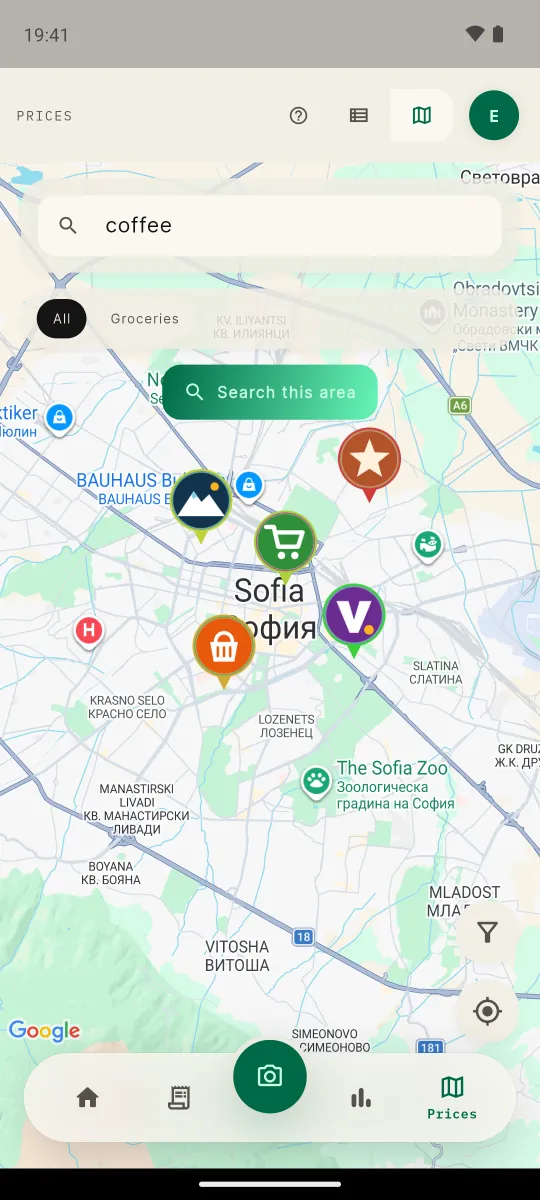
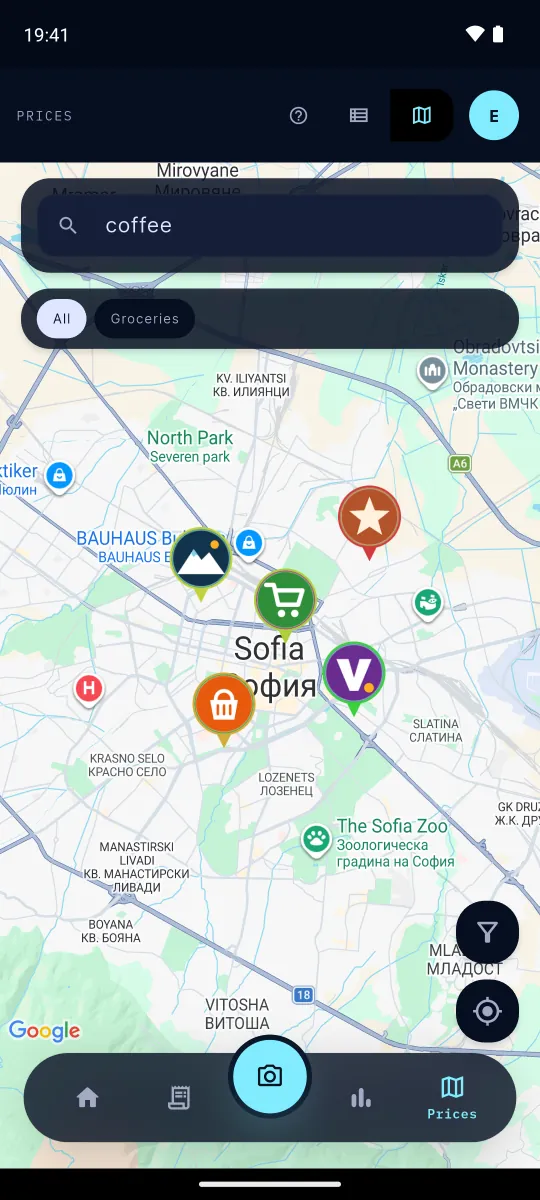
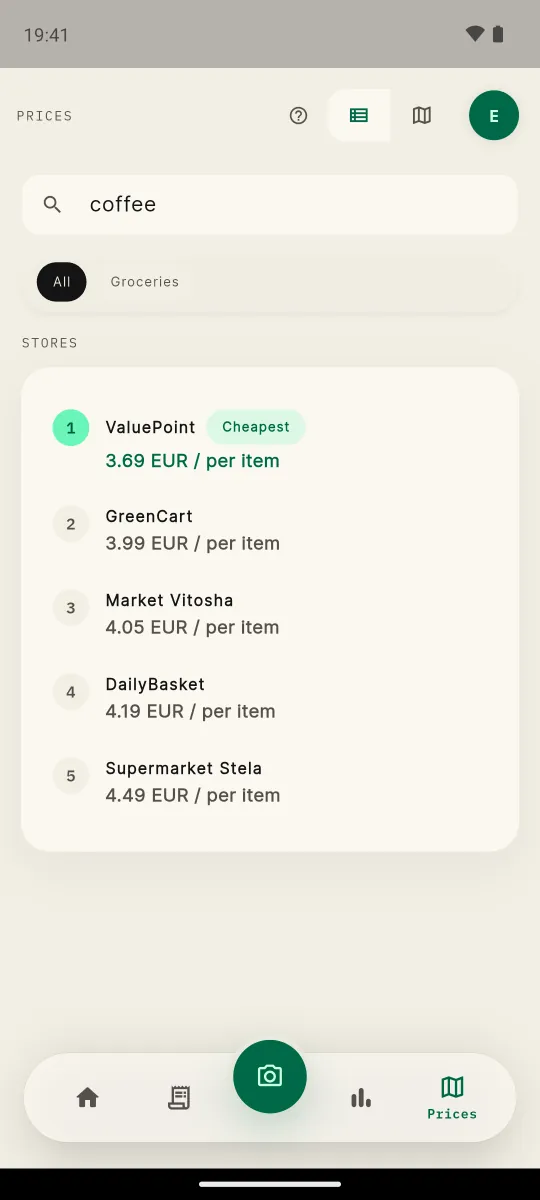
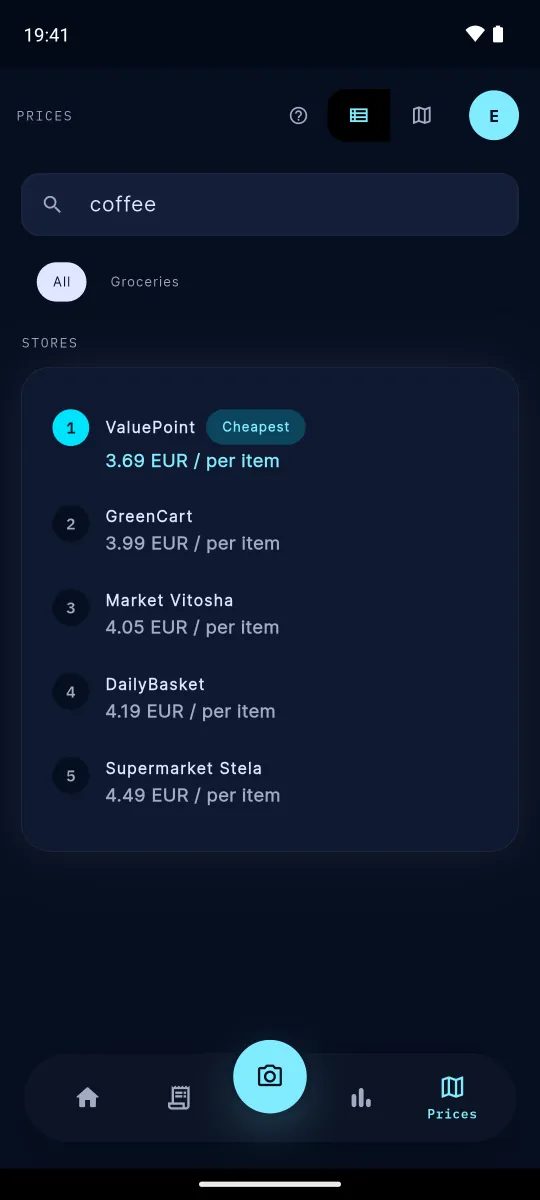
The power of the community: follow how prices change across stores.
Open the map, compare the same product shop by shop and see how its price has moved. Switch between three layers:
- YoursWhat you actually paid, from your own receipts.
- CommunityAnonymised prices from other people. You see them once you opt in to share your own; until you do, nothing is shown.
- OfficialPrices that retailers publish themselves.
Prices come from scanned receipts and published price lists. They show what was paid or announced, not what is on the shelf this minute.
Your own inflation, not the one on the news.
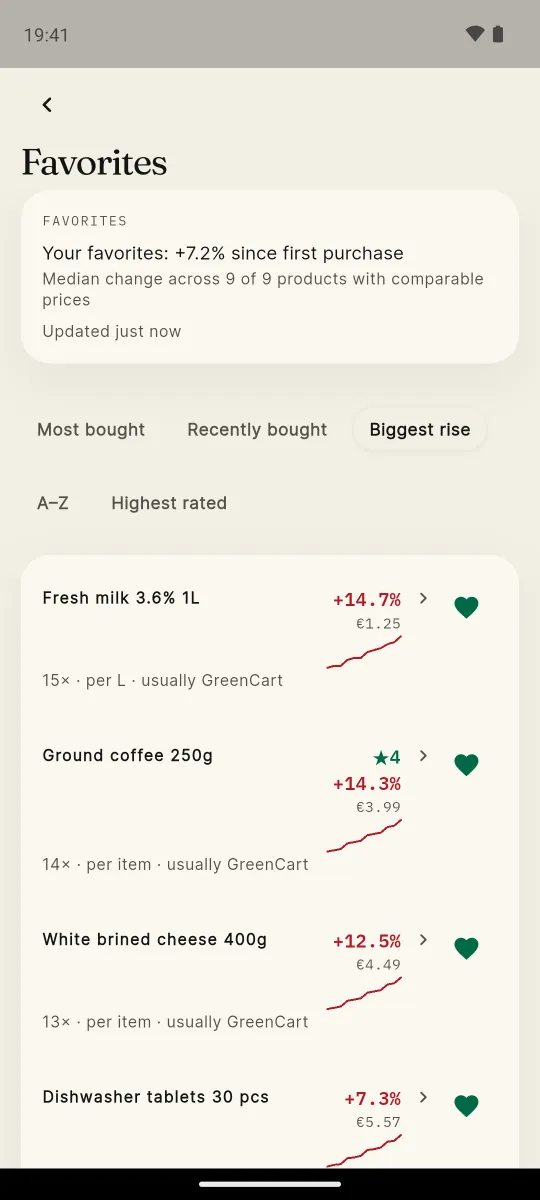
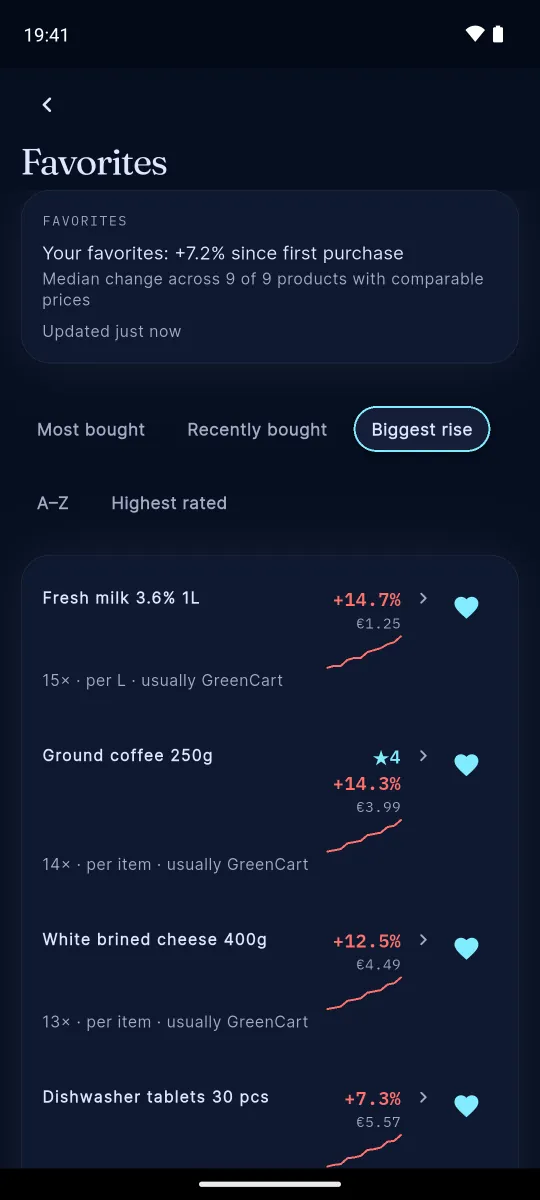
Mark the things you always buy as favourites. HouseTally keeps the price history of each one from your receipts, so you can see the month the coffee went up. Sort by the biggest rise, and get your own inflation figure: the median change across your favourites since you first bought them.
Example figures from the app’s demo data.
Split the bill with friends.
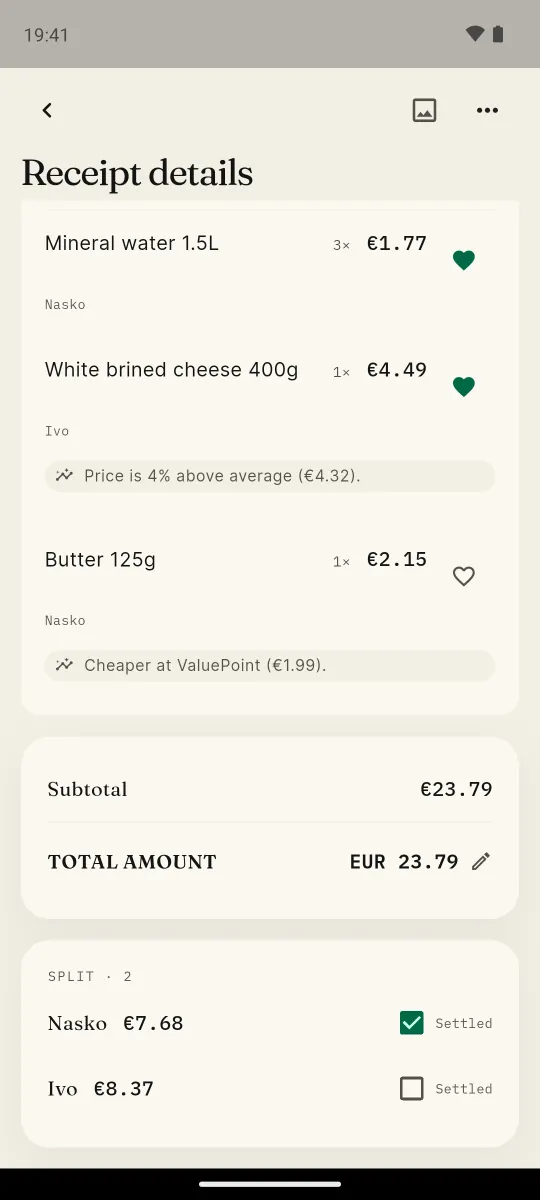
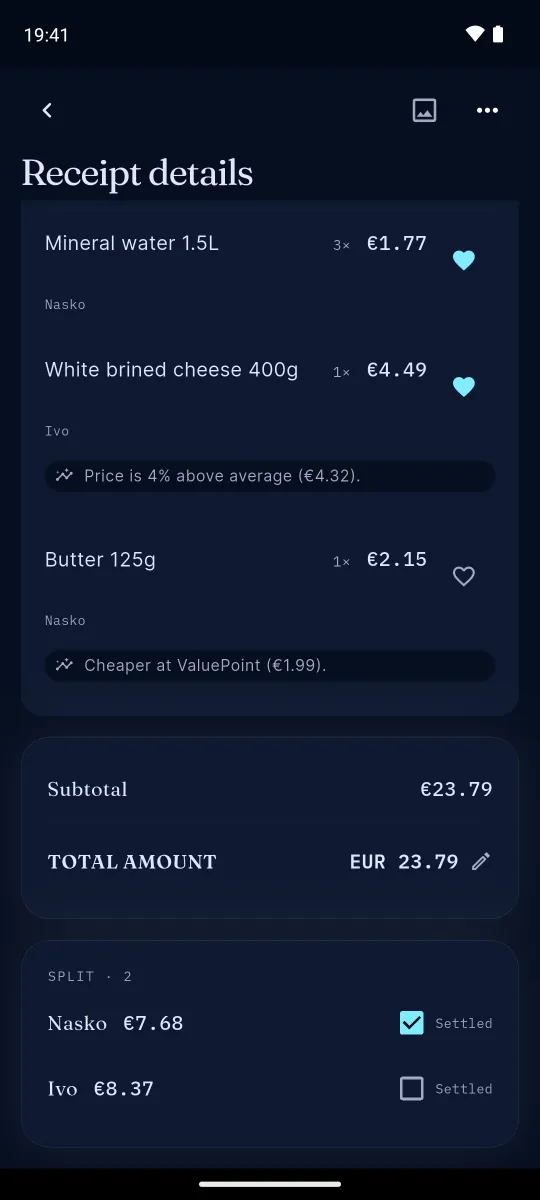
On a receipt shared with your household, give each line to the person it belongs to: a household member, or a friend you add as a guest. Split a line evenly or by units between several people, and HouseTally adds up each person’s total. Tick someone off once they’ve paid.
- Open a receipt shared with your household.
- Give each line to a household member or a guest, or split it evenly or by units.
- See each person’s total, added up for you.
Scan, don’t type.
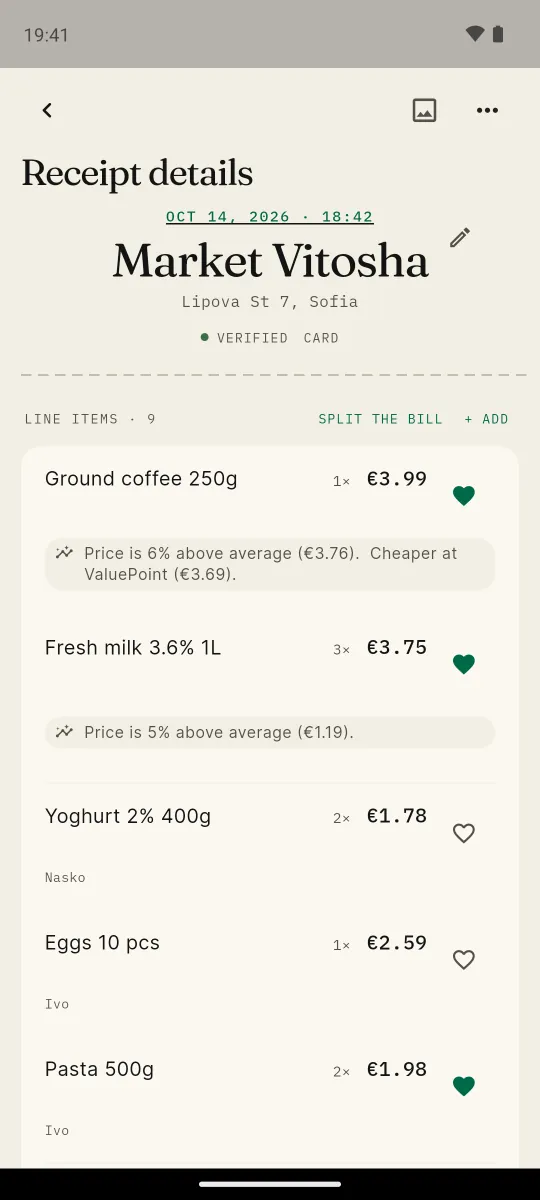
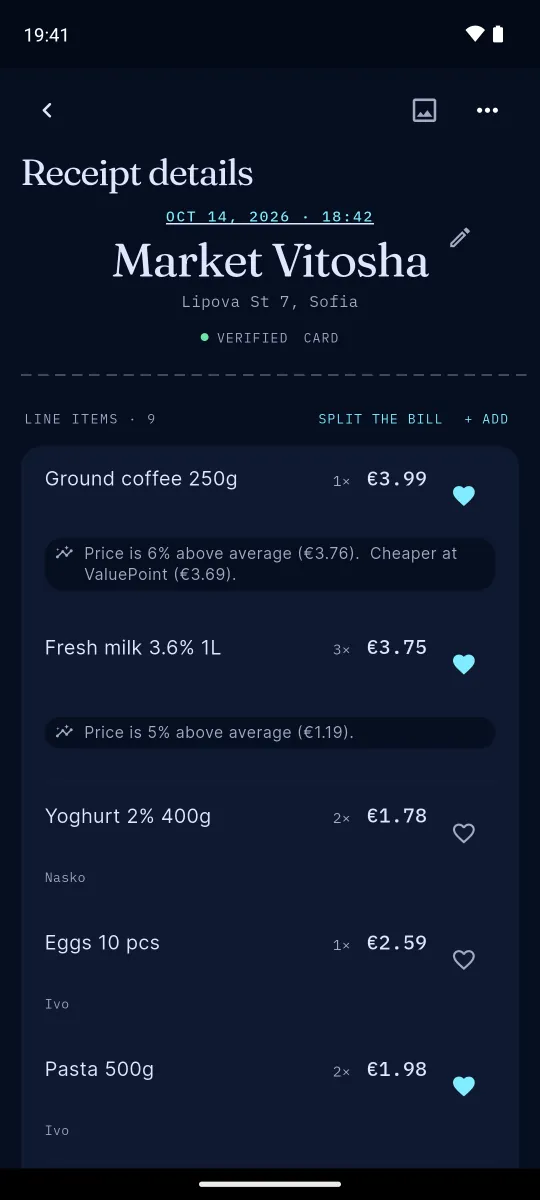
Photograph the receipt and HouseTally reads it for you, then checks every line against the average price.
- The shop, the date and every line, read from the photo.
- A price note on every line. “Price is 6% above average. Cheaper at ValuePoint.” You see it before the next shop run.
- Not sure? It says so. Doubtful lines get a needs review mark instead of a guess.
- Duplicates caught. Scan the same receipt twice and it notices.
- Works offline. No signal in the shop? It catches up when you’re back online.
Also in the box.
HouseTally
also in the box
-
Budgets & insightsabout 20 cards
Around twenty insight cards on where the money goes, plus a view of your monthly budget.
-
Subscriptionsreminders
Track renewals and get a nudge before they charge.
-
Travelhome currency
Spend abroad shown in your home currency, at the day’s rate.
-
Searchevery receipt
Find any receipt by shop or by item.
-
CSV exportany time
Take all your data out as a spreadsheet.
-
LanguagesEN · BG
The whole app in English and Bulgarian.
Totalone app
Scan your next receipt.
HouseTally is an Android app. Scan a receipt and see what your receipts have been saying.
Coming soon